Licensing
Licensing is accessed via Server -> Licensing.
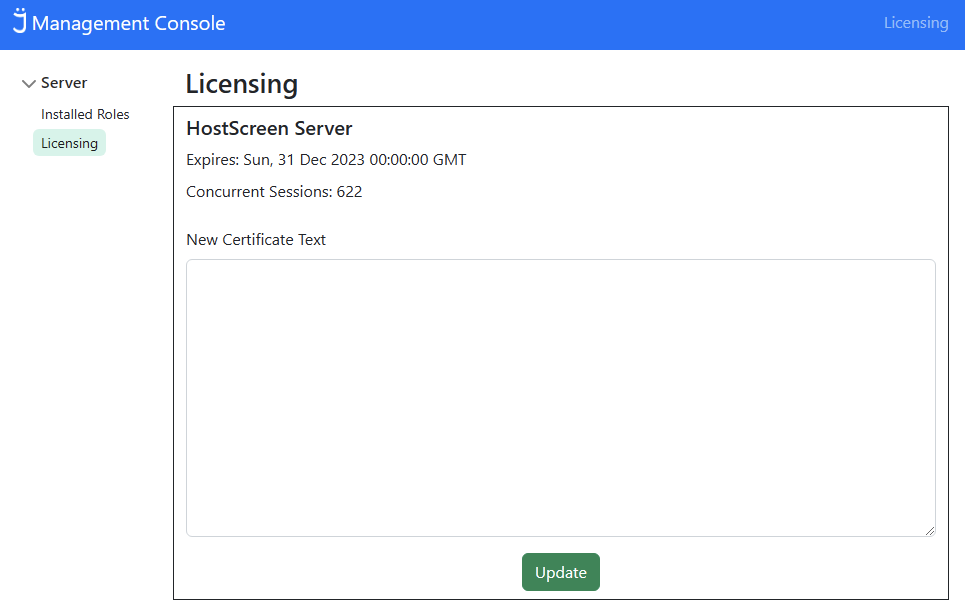
This is where licensing for installed roles is displayed. There is an associated expiry date, along with license details such as the type of sessions of features that are enabled by that license.
When receiving a license key in text format from Flynet, that key can be applied by pasting it into the "New Certificate Text" box and press the green Update button.